No-Monthly-Fee DIY Alarm Systems: What You Actually Get (and What You Give Up) Without Professional Monitoring
Most home alarm systems have two cost layers: the hardware you buy once, and a monitoring subscription you pay every month. That monitoring subscription connects your alarm to a staffed central station — a facility with trained operators who verify alerts and dispatch police or fire when something looks real. When you go “self-monitored” or “no-monthly-fee,” you keep the hardware but drop that central-station connection. Your phone gets the alerts instead. It sounds like a clean win — no recurring bill — but the practical tradeoffs are more nuanced than the marketing makes them look. This guide unpacks exactly what you get, what you give up, and how to decide which path fits your situation before you buy anything.
We’re going to walk through the realistic capabilities of self-monitored systems, map out the scenarios where they hold up well versus where they leave meaningful gaps, and end with a clear decision framework. If you’re an independent installer quoting a cost-sensitive client, a property manager evaluating a tenant-facing system, or a DIYer who simply wants to stop paying $25/month, this is the analysis you need.
What a Self-Monitored System Actually Does (And Doesn’t Do)
Let’s establish the baseline. A self-monitored alarm system — think SimpliSafe with no plan, Ring Alarm without a Protect Plan, or Abode running on its free tier — still does the following things well:
- Detects events. Door/window sensors, motion detectors, glass-break sensors, and smoke/CO detectors all function normally. The hardware isn’t degraded; only the response infrastructure changes.
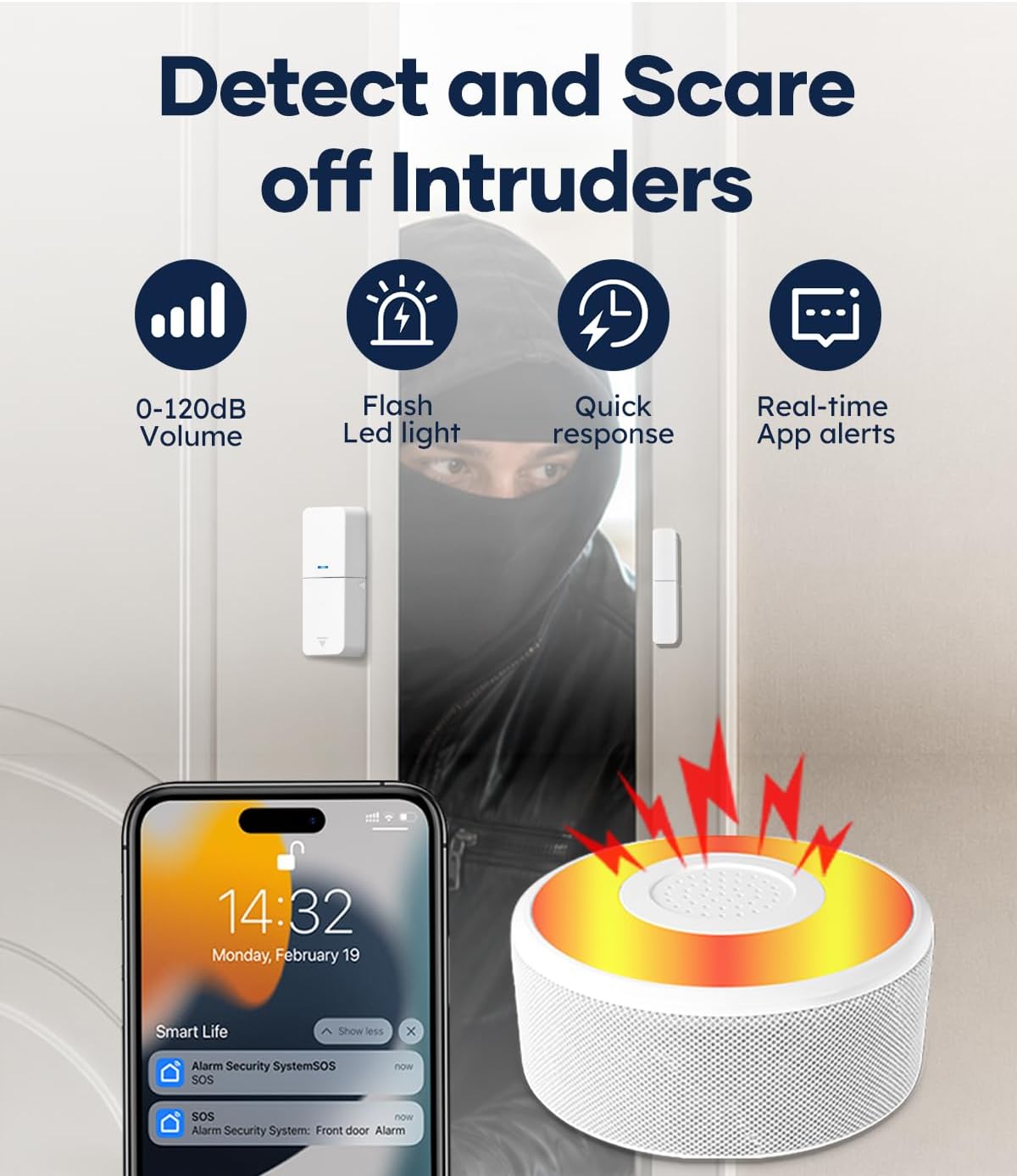
- Sounds a local siren. A loud siren (typically 85–105 dB, per manufacturer specs across these platforms) still activates on alarm. That’s a real deterrent and neighbor-alert mechanism.
- Pushes notifications to your phone. Most modern DIY platforms send real-time push alerts, SMS, or both via their app, assuming you have cellular signal or Wi-Fi at the protected location.
- Records video (with caveats). If cameras are part of the setup, local or cloud recordings may still work — though cloud storage often requires a paid tier.
Here is what drops away the moment you remove professional monitoring:
- No one calls the police if you don’t answer. If you’re asleep, driving, in surgery, or out of cell range, an alarm trip goes unacknowledged until you personally respond.
- No permit-level dispatch authority. In most jurisdictions, a central station dispatches under a permit your alarm company holds. Self-reported “my alarm is going off” calls to 911 are lower priority in many metro areas with verified-response policies.
- No redundant human layer during extended outages. If your phone dies, your cellular plan lapses, or your router goes down, the notification chain breaks. A central station using a dedicated cellular communicator on its own billing is a separate, more hardened link.
Per the Alarm Grid knowledge base article on self-monitoring versus professional monitoring, the operational gap isn’t really about sensor quality — it’s about response time and accountability during the minutes you’re unavailable.
The Real Cost Math: What You’re Saving and What It Costs You
Here’s where the decision gets more quantitative. Let’s run three representative scenarios.
By the numbers — annual monitoring cost by platform and tier (2026 market rates):
| Platform | Self-Monitor (annual) | Basic Pro Monitoring (annual) | Full Pro + Video (annual) |
|---|---|---|---|
| SimpliSafe | $0 (local siren + app alerts only) | ~$180 (Fast Protect, no video) | ~$360 (with video verification) |
| Ring Alarm | $0 (local siren only) | ~$100 (Basic, no cameras) | ~$200 (Plus, with cameras) |
| Abode | $0 (free tier, limited automations) | ~$80 (Standard plan) | ~$200 (Pro plan) |
Sources: CNET’s SimpliSafe review and Security Baron’s Ring Alarm review, both 2025, cross-referenced with current plan pages.
The savings are real — $100 to $360 per year depending on platform. Over five years, that’s $500 to $1,800 back in your pocket. But frame it honestly: professional monitoring on these consumer platforms is not expensive. At $8–$30/month, you are essentially paying for a human being to be on call for you 24 hours a day, 365 days a year. When you self-monitor, you become that on-call person.
The math tips decisively toward self-monitoring when: you are reliably available (work from home, rarely travel, always have your phone), the property is lower-risk (vacation cabin checked weekly, secondary property with no valuables), or the primary goal is deterrence and documentation rather than guaranteed dispatch.
The math tips toward professional monitoring when: you travel frequently, sleep heavily, have young children or elderly family at the property, or you’re protecting a rental property where you genuinely cannot be the first responder.
Platform-by-Platform: Where Self-Monitoring Is Well-Supported vs. Bolted On
Not all DIY platforms treat self-monitoring as a first-class option. This matters.
SimpliSafe built its business on monitoring subscriptions, and it shows. The free/self-monitored tier gets you a working siren and app alerts, but no video verification, no cellular backup on the keypad communicator (you lose that with no plan on most hardware revisions), and no remote arm/disarm via the app on older panel generations. PCMag’s 2025 DIY security roundup notes that SimpliSafe’s self-monitored experience feels deliberately limited relative to its hardware capability. That’s not a flaw — it’s a business model — but it’s worth knowing before you buy.
Ring Alarm is more generous to self-monitors in one important way: the app stays fully functional without a paid plan. You can arm, disarm, view sensor history, and receive push alerts at no cost. What you lose is 24/7 professional monitoring and extended video history. Security Baron’s Ring Alarm review consistently flags this as Ring’s strongest self-monitor argument: the core UX doesn’t get hobbled. The tradeoff is that Ring’s siren volume (spec-listed at 104 dB) is genuinely loud, which matters for startle deterrence if dispatch isn’t in the picture.
Abode is the most self-monitor-friendly of the three mainstream consumer platforms, largely because its architecture was designed from the start for power users. The free tier supports Z-Wave and Zigbee devices, keeps local automation rules running, and integrates with Home Assistant — making it the natural pick for whole-home integration builds. SafeWise’s annual guide consistently places Abode as the top pick for self-monitors who want automation depth. The caveat: Abode’s cellular backup communicator requires a paid plan to function, so a self-monitored Abode on the free tier is entirely Wi-Fi dependent.
For prosumer and integrator-adjacent buyers — those speccing Qolsys IQ Panel 4, DSC PowerSeries Neo, or Honeywell Vista-20P builds — self-monitoring is a different conversation. These platforms are designed around central station integration via standardized protocols (SIA DC-09 / Contact ID over IP or cellular). You can absolutely run a Vista-20P without a monitoring contract, but you’ll configure it through a dealer like Alarm Grid, who per their own documentation notes that self-monitoring on these panels typically means routing alerts through a companion app (Total Connect 2.0 on Resideo, Alarm.com on compatible panels) rather than a native no-cost tier. At this hardware level, the $25–$50/month for monitoring is a smaller percentage of total system cost and the professional-grade central station integration is genuinely more robust than consumer-tier alternatives.
Who Should Skip Professional Monitoring (And Who Shouldn’t)
This is the section most reviews skip because it requires being honest about a product category’s limits.
Self-monitoring makes strong sense if you are:
- A first-time renter or apartment dweller whose primary goal is deterrence and awareness — the siren and the push notification accomplish that without a monthly bill.
- A secondary-property owner (lake house, cabin, storage unit) who checks the space irregularly and mainly wants to know if something happened, not necessarily guarantee a police response within minutes.
- A technically fluent homeowner integrating security into a Home Assistant or Control4 ecosystem, where the alarm panel is one sensor node among many and the notification logic lives in your own automation stack.
- A property manager equipping lower-risk units (ground-floor retail, storage rooms) where the goal is evidence capture and deterrence rather than emergency dispatch.
You should take professional monitoring seriously if you are:
- A homeowner with small children or elderly family in residence — people who may not be able to self-respond to an alarm event.
- Someone who travels more than a few nights per month. Your window of unavailability is exactly the window a burglar waits for.
- Managing a higher-value property or one with documented prior incidents. The verified-response protocols most professional monitoring centers now use (sending video confirmation to dispatchers before calling police) actually increase police response priority, per documentation from both UL-listed monitoring standards and industry reporting in SDM Magazine’s monitoring center coverage.
- An independent installer or integrator quoting a customer. Recommending a self-monitored-only setup creates liability exposure if something goes wrong and the customer later claims they didn’t understand the dispatch gap. Alarm Grid’s documentation on this is clear: always document what the customer declined in writing.
The Decision Rule
If you’re sitting with a current purchasing decision, here is the cleaner version of the framework:
- If your primary goal is deterrence + documentation and you are reliably available to respond: self-monitoring on Ring Alarm or Abode’s free tier covers you well. Hardware cost stays under $300 for a solid starter kit; recurring cost is zero.
- If your primary goal is guaranteed emergency response and you travel or work irregular hours: budget the monitoring fee as part of the system cost from day one. At $10–$25/month on consumer platforms, it’s the cheapest insurance upgrade in the build.
- If you’re speccing a prosumer panel (Qolsys, DSC Neo, Vista-20P): the platform economics favor monitoring. These panels earn their cost through reliability and zone capacity; pairing them with a $25/month Alarm.com or Resideo plan is consistent with the investment. Skipping monitoring on a $1,200 panel to save $300/year is a tradeoff that rarely pencils out when you walk the customer through it honestly.
- If you’re building into a Home Assistant or Control4 stack and notification logic lives in your automation: Abode’s free tier or a self-monitored Qolsys via Alarm.com’s self-monitoring mode gives you the sensor data you need. Just ensure your cellular backup path is tested — a Wi-Fi-only self-monitored system with no fallback is a single point of failure that matters exactly when the power is out.
The honest summary: no-monthly-fee alarm systems are real, functional, and the right call for a meaningful share of buyers. The gap versus professional monitoring isn’t about sensor quality — it’s about what happens during the minutes you’re unreachable. Know which side of that tradeoff you’re on before you buy, and the decision gets straightforward.